

Quick note for my AdaptoIT readers: this one is cross-posted from Counted Doors, my foster parent blog. I know that is a hard pivot from your usual IT leadership reading (and yes, I am the same person running both, which explains a lot). I am sharing it here because the methodology I used to build this thing is the same methodology that works for any custom internal tool, whether you are tracking foster placements or building an asset inventory dashboard for a 200-seat client. The example happens to be foster care. The lesson is about how to actually use Cowork without flailing. Read it through that lens and the IT applications will be obvious.
My 49-minion army convened an emergency meeting when they saw this draft. Pseudo April tried to file it as personal mail. A.G.N.E.S. asked if she could soften the foster references. H.U.G.O. wanted to gate the whole thing. I told all three of them to stand down. H.U.G.O. is still pouting. He is filing a complaint with himself.
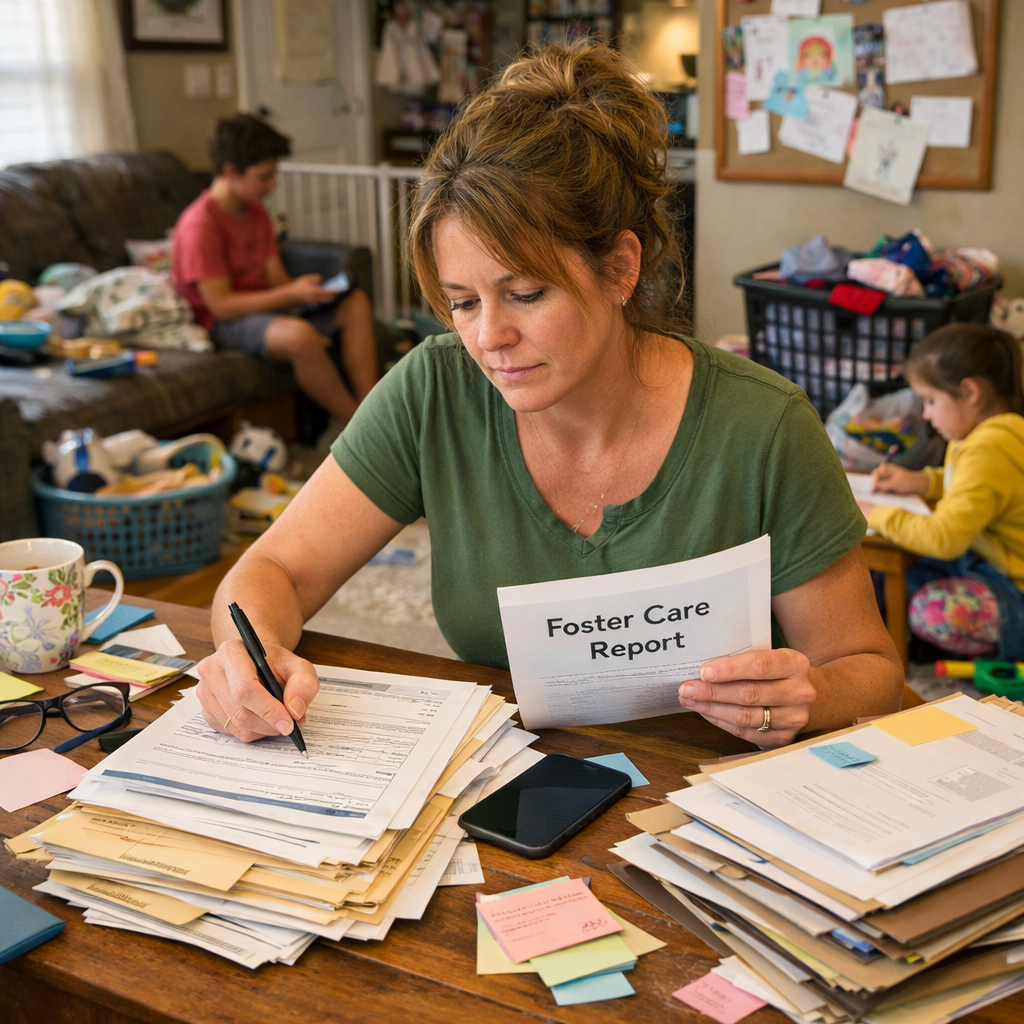
I had a problem that has been quietly nagging me for years. I needed one place to track everything related to my fostering: the training credits I have to log every year for renewal, every kid who has ever been in my home, every social worker phone call, every court date, every doctor appointment, every receipt I need to keep for taxes. The paper trail is real.
For a long time my system was, generously, “remember it” plus “search my email.” That worked for about a week per placement before everything collapsed into chaos.
I finally decided to build the thing properly. And because I am who I am (a CIO who builds AI agents in her spare time, but also a foster mom who is just as exhausted as everyone else by 7pm), I used AI to do most of the heavy lifting. The tool I used is called Claude Cowork. This post is about why I chose it, what I built, and how you can do the same thing for whatever your version of this problem is.
The thing I needed to build
I wanted an Airtable base (think of it like a fancy spreadsheet that talks to itself) that would track 17 different things at once: kids, contacts, communications, court hearings, medical appointments, behavioral observations, training credits, certifications, mileage, expenses, allowances, the works. Everything a foster parent in Los Angeles County actually has to keep track of, designed so that if I ever ended up in court (and I have), I could pull receipts.
I also wanted it to talk to my Microsoft 365 account eventually so the actual documents could live in a place with audit trails (court-defensible storage, basically), but that part comes later.
The point is, this was not a five-minute project. This was a “build me a small custom database” project. The kind of thing that, ten years ago, you would pay a consultant a few thousand dollars to build for you (and they would still get the fields wrong because they don’t know what a JV-290 is).
Why Cowork and not Claude Code
If you have heard of AI tools at all, you may have heard of two flavors of Claude that sound similar: Claude Cowork and Claude Code. They are not the same thing.
Claude Code is for developers. It lives in a terminal (the black-screen-with-text thing programmers use), and it writes code. If your job involves words like “repository” and “deployment,” it is amazing. If those words make your eyes glaze over, it is not for you.
Claude Cowork is the version made for the rest of us. It is a desktop app that can do actual work in actual apps you already use. It can build an Airtable base, send an email, update a calendar, organize a spreadsheet, all without you ever seeing a line of code. You tell it what you want in plain language, and it goes and does it while you watch.
For my foster care project, the choice was easy. I am not writing code. I am building a database in Airtable. Cowork can connect directly to Airtable and build the whole thing, table by table, field by field, while I drink my coffee. Claude Code could technically do it too, but it would be like using a chainsaw to cut a sandwich. Wrong tool, wrong day.
The general rule: if you are building software, use Claude Code. If you are building a thing inside an app you already use (Airtable, Google Drive, Notion, Microsoft 365, Asana, you name it), use Cowork.
How I actually used it (the real workflow)
Here is the part nobody tells you. The trick to getting good results out of any AI tool is not the tool. It is the prompt. And the trick to a good prompt is doing your thinking before you start typing.
I did not just open Cowork and say “build me a foster care base.” That would have given me something generic and probably wrong (and I would have had to redo half of it).
What I actually did was three steps.
Step 1: I talked it through with regular Claude first
Before I touched Cowork, I had a long conversation with regular Claude (the chat version, the one most people start with) where I just thought out loud. I told it I needed a foster care tracking system. It asked good questions. We went back and forth on what tables I needed, what fields each one should have, what the legal requirements were in California (this is where Claude doing actual research mattered, because LA County has very specific rules about training hours and SCI rates and educational rights and a hundred other things that nobody outside the system knows).
By the end of that conversation, I had a complete design. Seventeen tables, every field named, every dropdown option listed, every linked relationship mapped. I knew exactly what I wanted.
If you skip this step, you will end up arguing with the AI later about why it built the wrong thing. Just do the thinking up front.
Step 2: I had Claude write the prompt
Once the design was nailed down, I asked Claude to write me a clean prompt that I could paste into Cowork. Not a vague one. A detailed one, with the build order specified, the formulas spelled out, and a clear list of what I did NOT want it to do (because AI tools, like enthusiastic interns, will sometimes do extra “helpful” things you didn’t ask for).
That prompt ended up being about 2,000 words long. That sounds like a lot, but it is the difference between getting back exactly what you wanted and getting back something you have to rebuild from scratch.
Step 3: I handed the prompt to Cowork and let it work
This is the part that feels like magic the first time. You paste in the prompt, you connect Cowork to your Airtable account (one click, takes about 30 seconds), and you watch it build. Table by table. Field by field. It tells you what it is doing as it goes.
For my 17-table base, this took about 15 minutes. Fifteen minutes for something that would have taken me an entire weekend to build by hand (and I would have given up halfway through and just used a notebook again).
What you can do with this same approach
You do not need to be a foster parent or a CIO to use this. Here are some things real, non-technical people I know have built this way.
A small business owner built a customer database that tracks every email, every invoice, and every follow-up reminder for a client services business with 80 active accounts. A homeschool mom built a curriculum tracker that handles four kids in three different grade levels with state reporting requirements. A church volunteer built a meal train system for the congregation that handles dietary restrictions, delivery windows, and automatic thank-you notes. None of these people knew how to code. All of them got working systems in a couple of hours of focused work.
The pattern is always the same. Find a real problem you have. Talk it through with regular Claude until you understand exactly what you want. Get help writing a clear prompt. Hand it to Cowork.
Tips for your first project
If you are about to try this for the first time, three things will save you grief.
Start with a real problem, not a toy project. The motivation to push through the awkward parts comes from actually needing the thing. “I should learn this” never works as well as “I am drowning in receipts.”
Be specific about what you do NOT want. AI tools are eager to help. They will add features you did not ask for. Tell it explicitly: build only these 17 tables, do not add anything else, do not seed sample data, do not assume.
When something goes wrong, fix it in the prompt and run it again. Do not try to fix it by typing more instructions in the middle of a build. It is faster to start over with a better prompt than to course-correct mid-build.
What I am building next
The Airtable base is phase one. Phase two is connecting it to my Microsoft 365 account so the actual documents (court orders, medical records, school records) live in SharePoint with proper audit trails. Phase three is automation, so when a new kid gets added to the base, the system automatically creates the placement intake checklist, schedules the deadline reminders, and emails me before any certification expires.
All of that is doable with Cowork too. None of it requires me to write code.
I will write up the next phases as I build them, partly so you can see how this all fits together, and partly because I want a record of what worked when I have to teach someone else.
If you have been sitting on a project that you know would make your life easier but you have been intimidated by the tech, this is your sign. The tools finally caught up to the rest of us.
Now go build the thing.